Your city, with its real weather.
A cozy, hand-crafted animated city for your desktop. The sun rises on time, it rains when it rains outside and snow slowly piles up on the roofs.
For Wallpaper Engine and Lively Wallpaper (free) · Windows 10/11
A little city that lives with you
Everything follows the real time and the real weather of the place you choose.
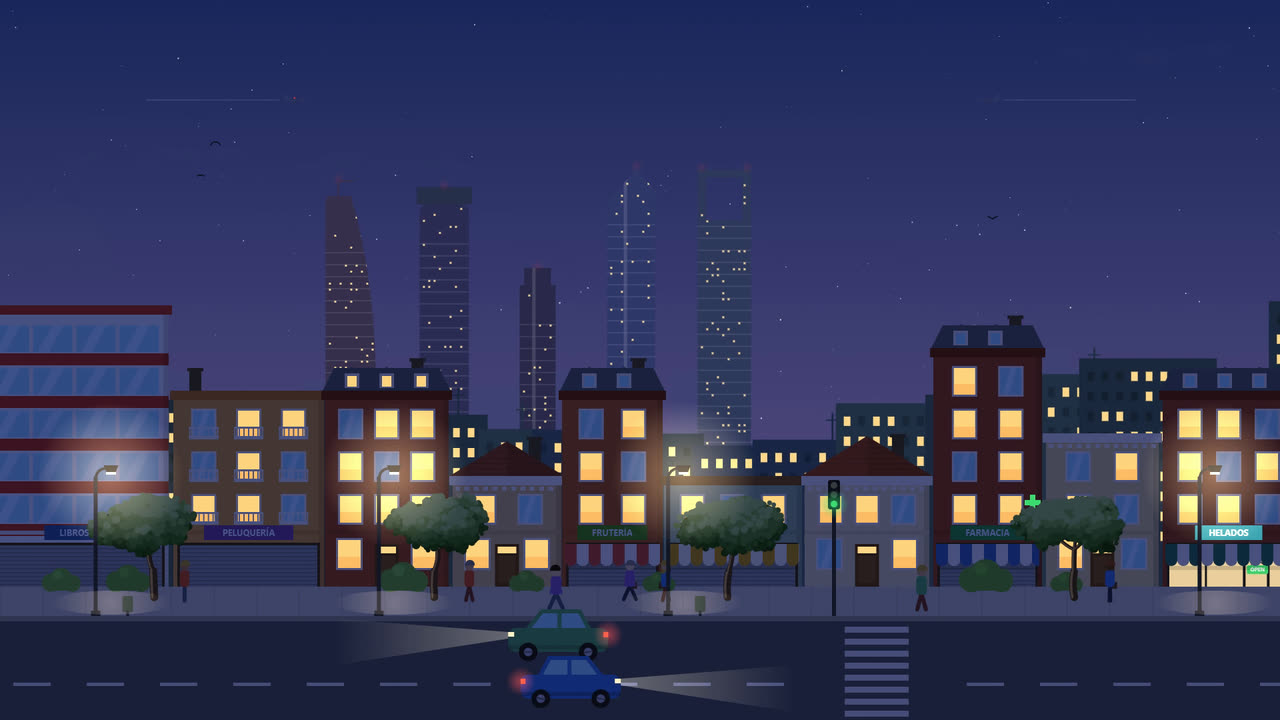
Real day and night
Sunrise, sunset and the moon (with its phases) calculated for your location.
Live local weather
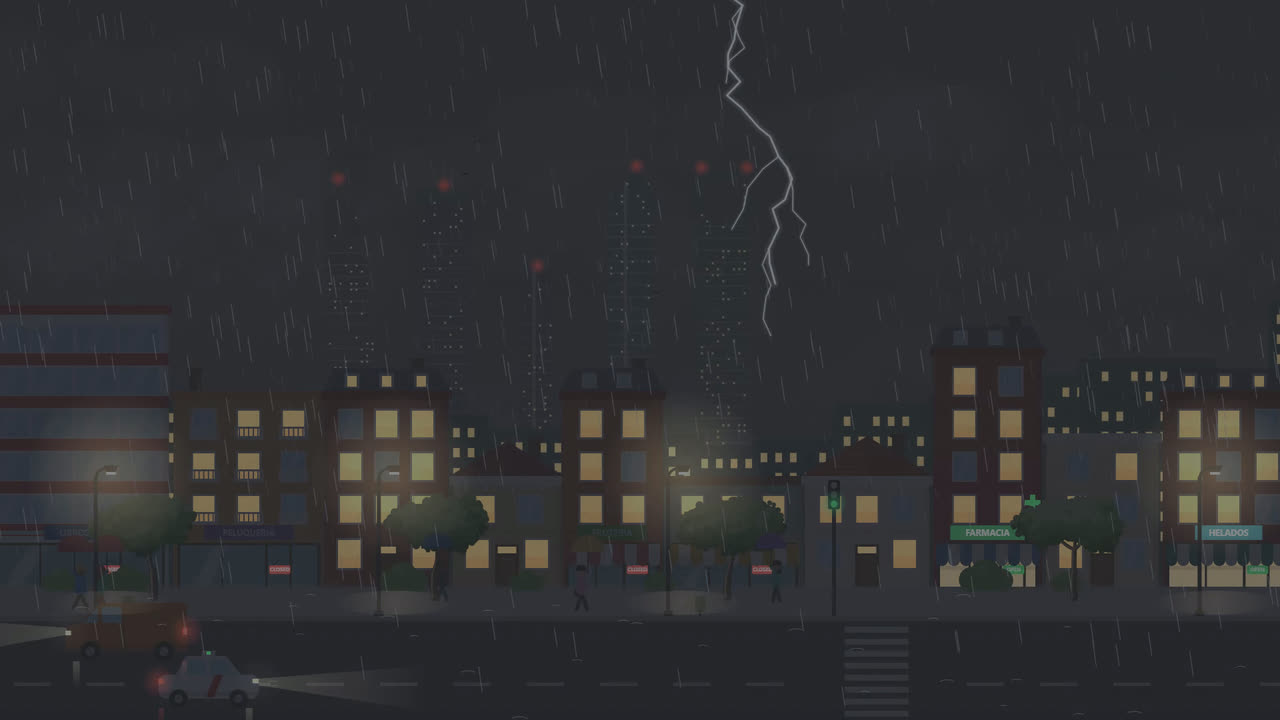
Clear skies, clouds, fog, drizzle, rain, snow and thunderstorms, each with its own intensity.
Weather that builds up
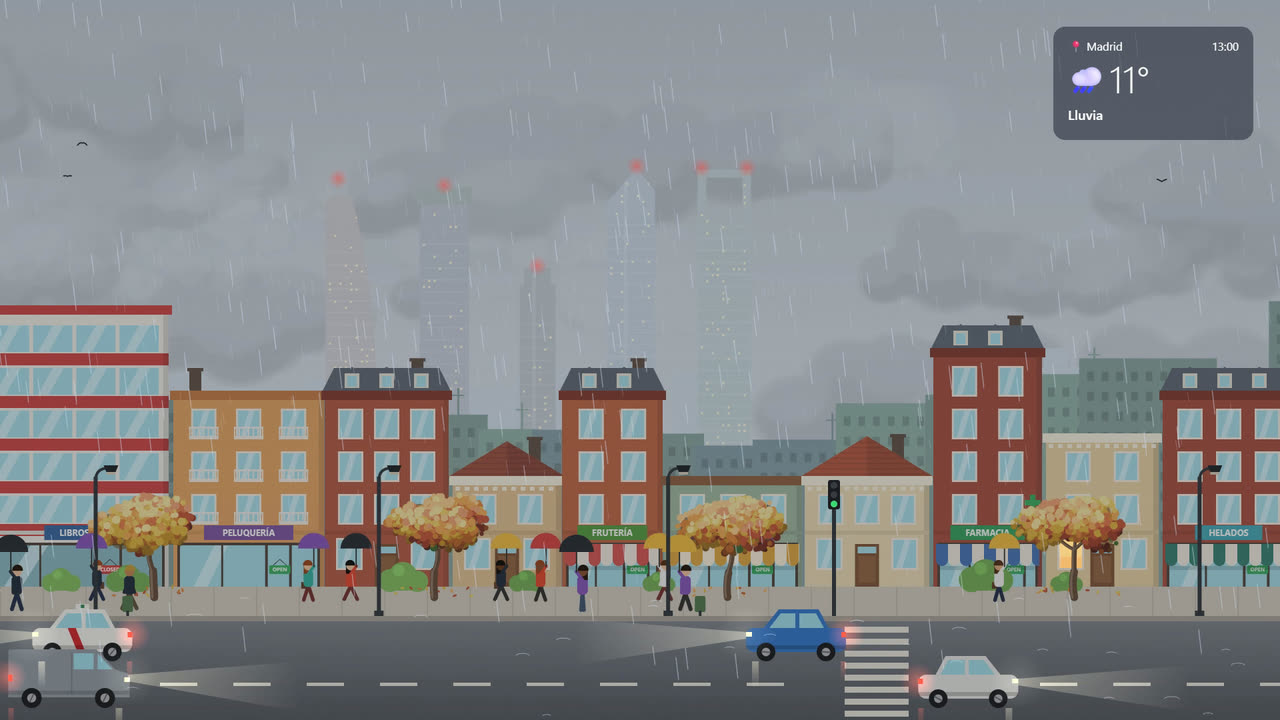
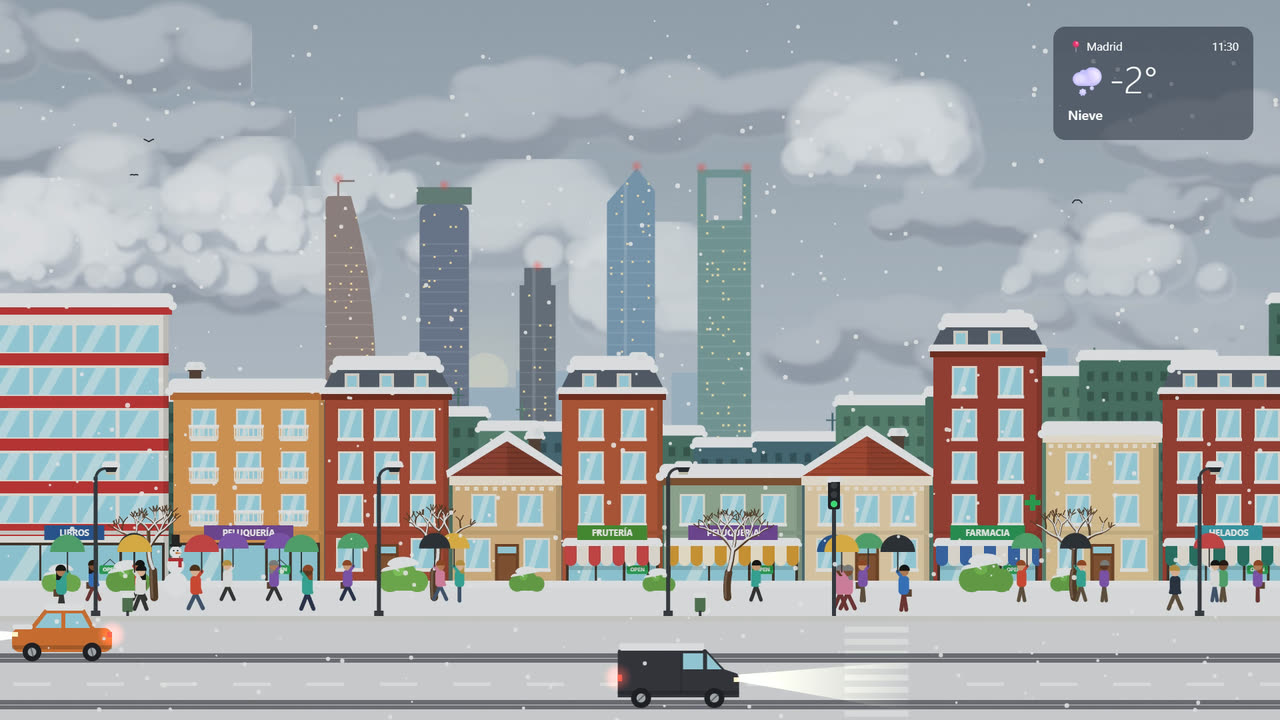
Long rain closes the sky into a grey blanket; snow settles little by little on roofs and cars.
Four seasons
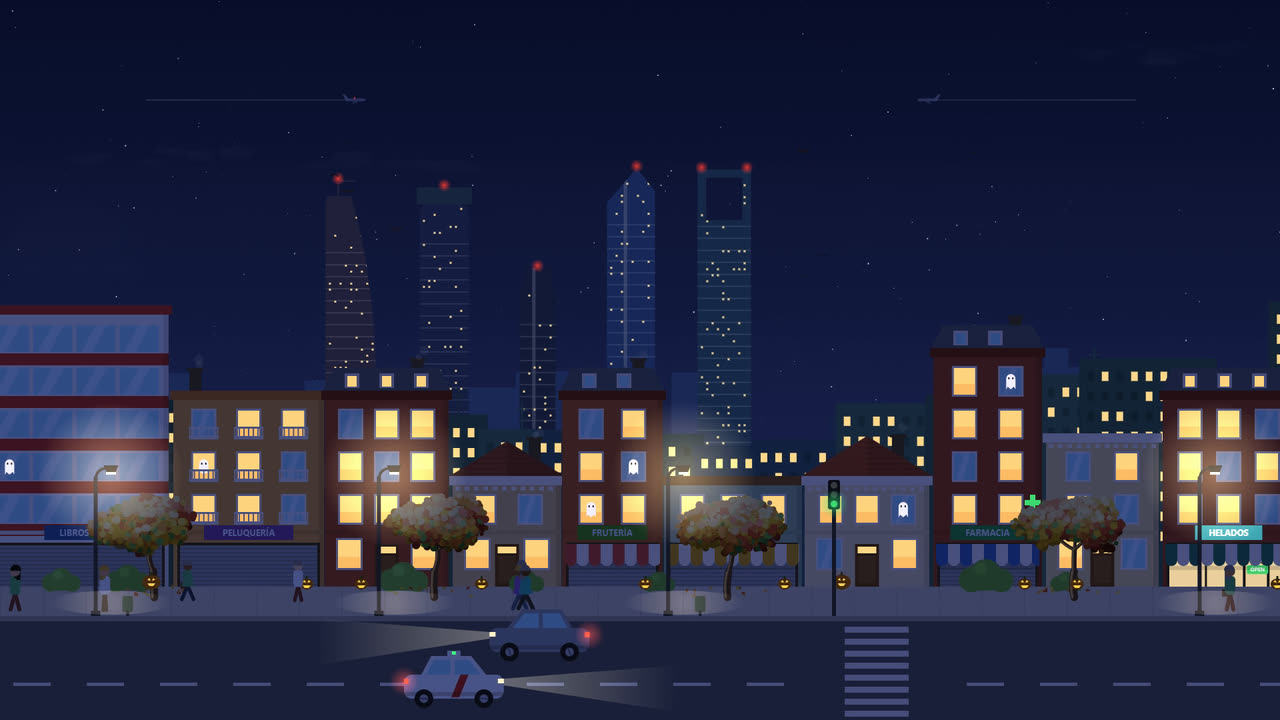
Blossom in spring, falling leaves in autumn, bare branches in winter. Halloween and Christmas arrive on their own.
A city full of life
Traffic and people that change with the hour, traffic lights, shops that open and close, birds and planes.
Ambient sound
Soft city sounds, birds, crickets, rain and distant thunder — with an on/off switch.
Any town in the world
Over 160,000 places, searchable offline with an on-screen keyboard.
Clock & screensaver
An optional big, minimalist clock — and it works as a screensaver too.
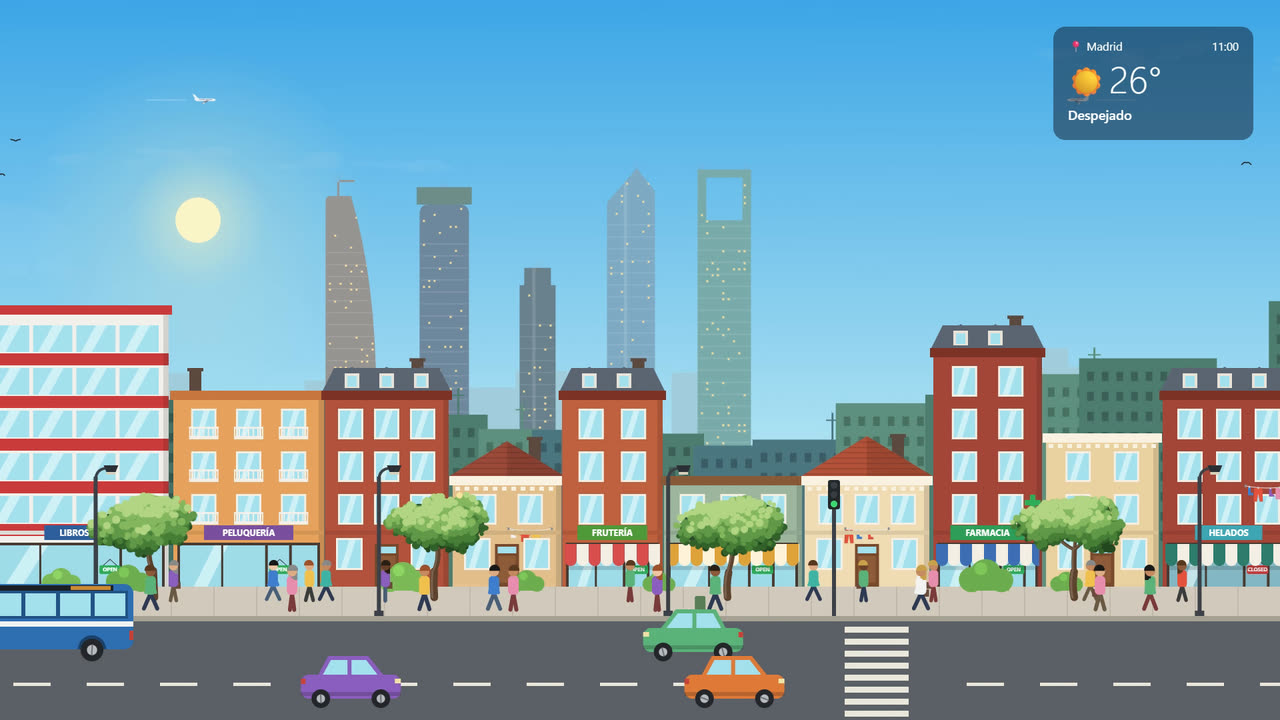
Every day looks different
Real screenshots of the wallpaper.


Works with your favourite wallpaper app
One download works in both. Step-by-step instructions included, in English and Spanish.
Wallpaper Engine
On Steam. Options right in its properties panel.
Lively Wallpaper
Free on the Microsoft Store. Just drag the ZIP in.
Bring the weather home
- ✔ One-time purchase
- ✔ Free updates
- ✔ New cities coming soon
- ✔ English & Spanish
Coming very soon — join the Discord to know when it's out.
Questions
Do I need Wallpaper Engine?
No. It works in Wallpaper Engine (Steam) and in Lively Wallpaper, which is free. The same download works in both.
Where does the weather come from?
Worldwide from MET Norway, the Norwegian Meteorological Institute. In Spain you can also use AEMET's official data with a free personal key.
Does it work offline?
Everything works offline except the live weather, which needs an internet connection. The place search works offline too.
Will it slow down my computer?
It's light: everything is drawn in code, the static layers are cached and it pauses when a game or another full-screen app is running.
Does it collect any data?
No. Your place and settings stay on your computer. The weather service only receives the approximate coordinates of the place you choose, like any website visit.
Will there be updates?
Yes, free for everyone who owns it — including new cities. The wallpaper tells you when a new version is out.